
Going Away? Secure Your Home Before You Leave
Whether it is the December break, Easter, a school holiday or a two-week work trip, an empty house is what burglars look for. Easy CCTV installs and checks CCTV across Pretoria and Centurion so you can lock up, leave, and still see your home from your phone.
Quick Answer
The best time to sort out home security is one to two weeks before you leave. That leaves time to install a new system, fix a camera that has stopped recording, or set up phone alerts properly, without a last-minute rush.
- New system: most 4 to 8 camera homes are installed in one day, with the app set up on your phone before we leave. Wired packages start from R9,500 and wire-free solar kits from R10,900, fully installed
- Existing system: a pre-holiday system check confirms every camera, the hard drive, the recorder and your phone alerts work, and fixes what does not
- While you are away: AI alerts tell you when a person or vehicle is on the property, not every cat or branch, and you can share live view with a neighbour or family member
Why an Empty House Is a Target
Break-ins follow opportunity. When a family is away for a week or two, the signs are easy to read: no cars in the driveway, the same lights on or off every night, post piling up and no movement at all. Holiday periods such as December, Easter and the school holidays are when many homes in a street sit empty at the same time.
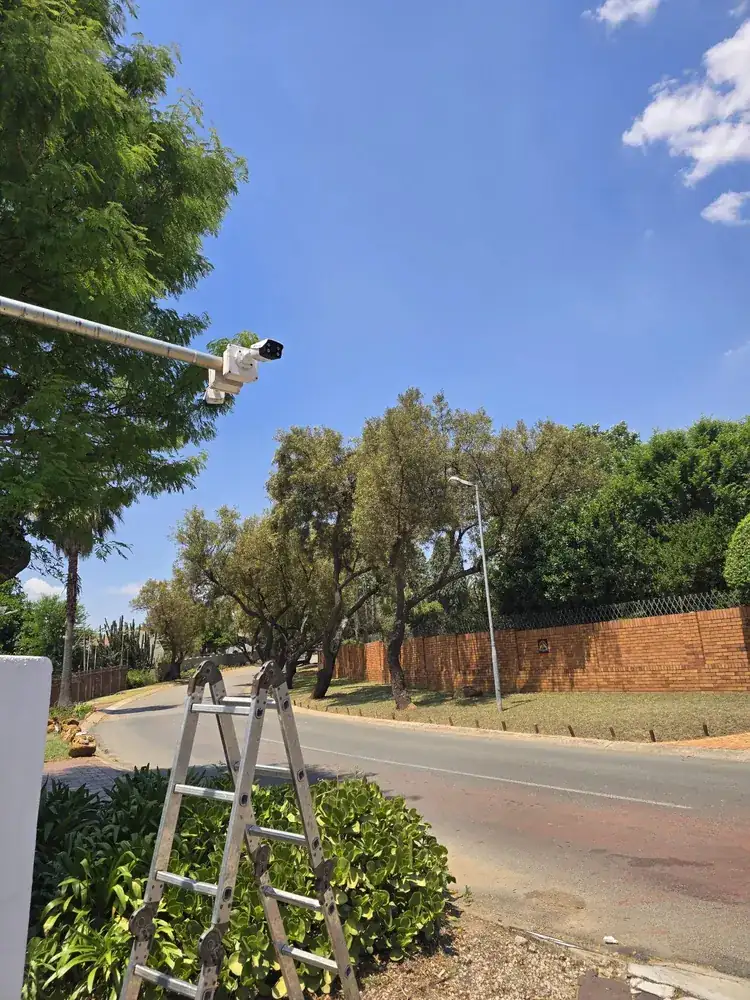
Cameras do two jobs here. Visible cameras put off opportunists, who would rather move on to an easier house. And if someone does get in, AI detection alerts your phone the moment a person steps onto the property, so you can call your armed response or a neighbour while it is happening, not find out when you get home.
Your Pre-Trip Security Checklist
Run through this a week before you leave. If anything on the list does not work, WhatsApp us and we will sort it out before you go.
- Check every camera is recording. Open playback on the recorder or the app and make sure each camera has footage from yesterday. A camera that shows live but does not record is common.
- Check the hard drive. If the recorder beeps or shows “HDD Error”, or playback only goes back a few days, the drive needs replacing before you leave.
- Test your phone alerts. Walk into the driveway and make sure your phone gets an alert. If it buzzes for every leaf, the detection needs tuning, or you will mute it on day one.
- Share access. Give a trusted neighbour or family member access to the app, so someone close by can check the cameras if an alert comes in.
- Keep it running through load shedding. A UPS keeps cameras, recorder and router powered, so recording and alerts carry on when the power goes off.
- Check night vision. Look at last night’s footage. Spider webs, dirty lenses and new garden growth can blind a camera at night.
- Put lights on a schedule. Smart lights that switch on and off at different times make the house look lived in, and help cameras see more at night.
How Easy CCTV Helps Before You Go
New CCTV, Installed in a Day
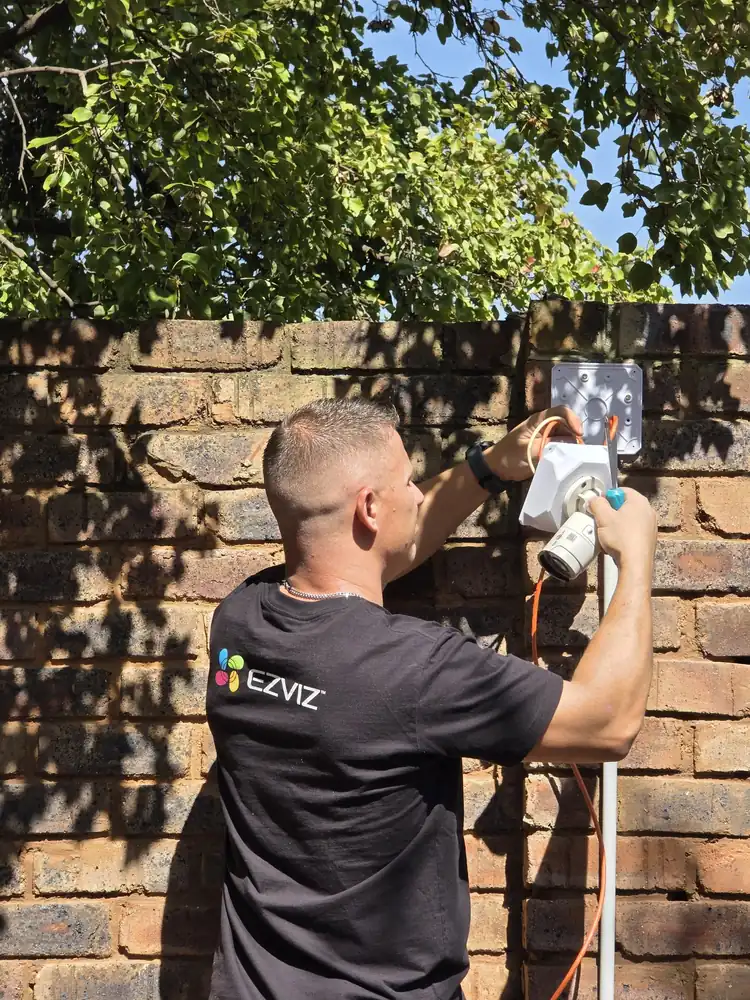
No cameras yet, or an old system that is past it? Most homes are fully installed in one day, with AI alerts and the app set up on every phone that needs it.
See our CCTV installation specials and installation prices.
Pre-Holiday System Check
We check every camera, the recorder, the hard drive, the power supply and your phone alerts, tune the AI so it only alerts for people and vehicles, and fix what we find.
Book through our CCTV repairs and maintenance service.
Quick Add-On Cameras
Need to cover a gate, a side passage or a back door fast? Wire-free battery and solar cameras need no cabling and suit rentals and complexes.
See our wireless CCTV installation options.
When to Book: The Holiday Calendar
Our diary fills up before every major break. Book one to two weeks ahead of these dates so the work is done well before you leave.
| Holiday period | When to book |
|---|---|
| Easter weekend and school holidays | Early March |
| June and July school holidays | Late May |
| September school holidays | Late August |
| December and January break | Early to mid November |
| Long weekends and work trips | One to two weeks before you leave |
While You Are Away
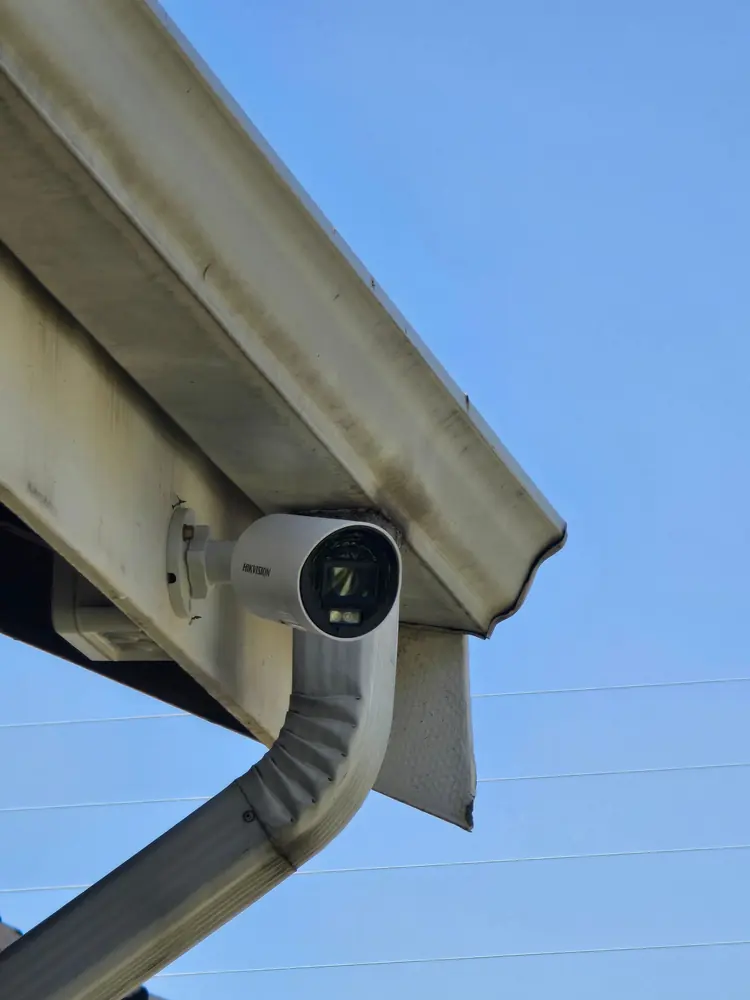
A well set-up system does the watching for you. AI detection on Hikvision AcuSense and TP-Link VIGI cameras sends a phone alert with a snapshot when a person or vehicle crosses the line you set, such as the wall, the gate or the front door. You can open live view from anywhere, talk through cameras with two-way audio, and in many models set off a light and siren to scare someone off.
Before you leave, we can set up the alerts so they only come through at night or while you are away, and add your neighbour, family or security company so more than one person sees an alert.
Holiday Home Security FAQs
How long before a holiday should I book CCTV installation?
One to two weeks before you leave is ideal. Most 4 to 8 camera homes are installed in one day, but the diary fills up before December, Easter and the school holidays, so booking early means the system is installed, tested and on your phone well before you go.
Can I watch my cameras on my phone while I am away?
Yes. Every system we install is set up on the Hik-Connect, VIGI or Tapo app before we leave, so you can see live view, play back footage and get alerts from anywhere with mobile data or WiFi, including overseas.
Will my cameras keep recording during load shedding?
Only if the cameras, recorder and router stay powered. A correctly sized UPS keeps the system recording and sending alerts through standard load shedding. Wire-free solar cameras run on their own batteries and are not affected.
My cameras are already installed. Can you check them before I go?
Yes. A pre-holiday system check covers every camera, the recorder, hard drive health, the power supply and your phone alerts, and we tune the AI detection so you only get alerts that matter. We work on systems of any brand, whoever installed them.
Can a neighbour or family member get the alerts too?
Yes. We can share the app with as many people as you need, each with their own login, so someone close by can check the cameras if an alert comes in while you are away.
Going Away Soon?
WhatsApp us your dates and what you have now, and we will tell you what is needed before you leave.